How to Increase Feature Adoption With Product Updates
You spent six weeks building a feature that users requested. You shipped it. You wrote a changelog entry. And two weeks later, 4% of your user base has tried it.
This isn't a product problem. It's a communication problem. The feature works. Users wanted it. But the path from "we shipped it" to "users use it regularly" has gaps that no amount of engineering can fix.
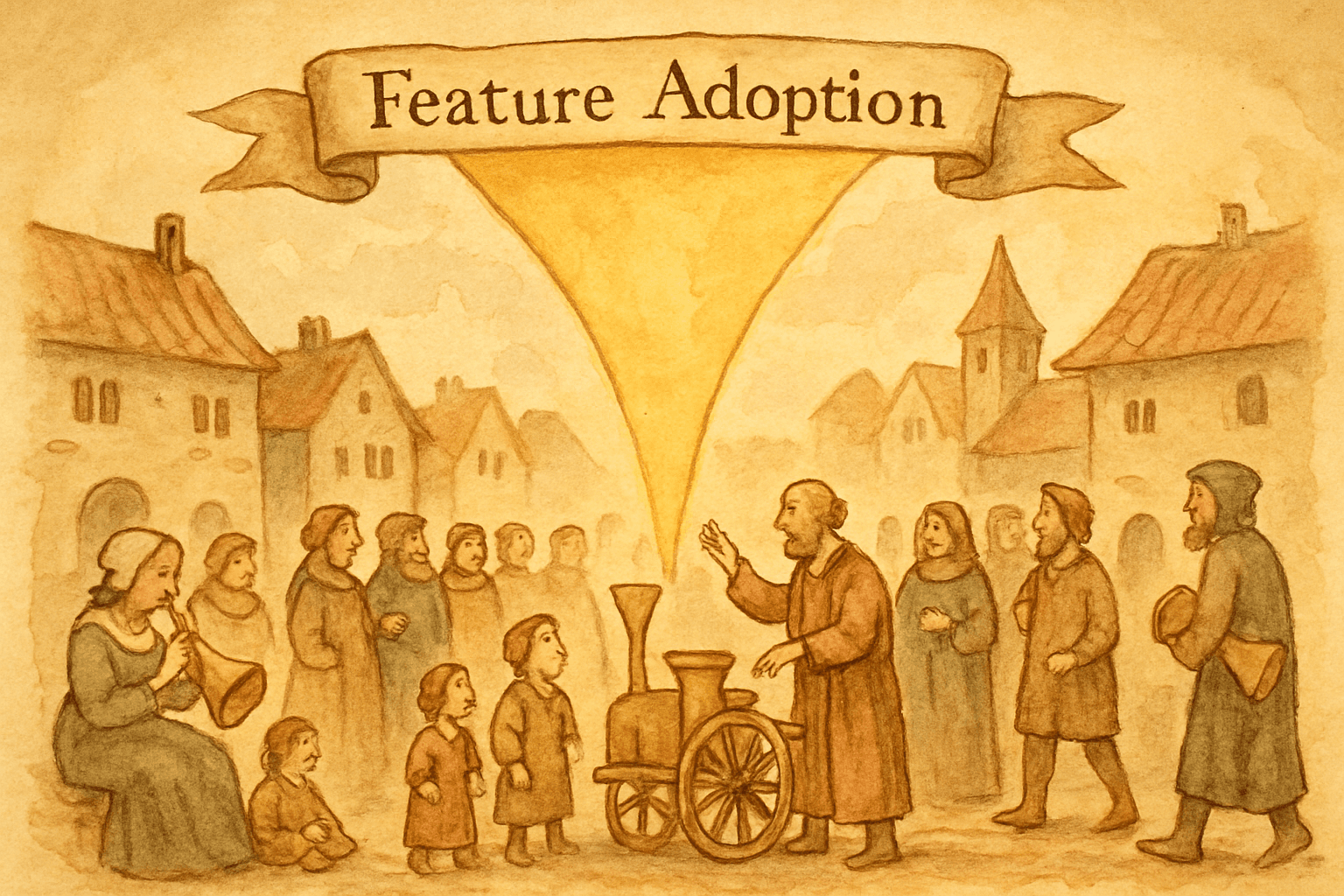
Feature adoption is a communication challenge disguised as a product challenge. And product updates, done strategically, are the most effective tool for closing the gap.
The adoption funnel
Every new feature follows a funnel:
Awareness → Discovery → Activation → Habit
  100%         40%         15%         5%
Awareness: The user knows the feature exists. This is where product updates do their primary job.
Discovery: The user finds the feature in the UI and understands what it does. This requires clear naming, intuitive placement, and contextual guidance.
Activation: The user tries the feature for the first time. This requires low friction and immediate value.
Habit: The user incorporates the feature into their regular workflow. This requires the feature to genuinely solve their problem better than their current workaround.
Product updates primarily affect awareness and discovery. But how you announce a feature also influences activation and habit formation. A great announcement doesn't just say "this exists." It shows the user exactly how to start and why it matters to them specifically.
Why features go unused
Before fixing the problem, understand why it happens:
The "if we build it, they will come" fallacy
Teams assume that shipping a feature is the same as delivering it to users. It's not. Shipping puts the feature in the product. Delivery puts the feature in front of users. These are separate steps, and most teams only do the first one.
Changelog blindness
Users don't read changelogs proactively. Studies consistently show that fewer than 5% of users visit a changelog page unprompted. If your only announcement channel is the changelog page, 95% of your users will never see it.
One-shot announcements
You announce a feature once and move on. But awareness doesn't work in one touch. Marketing knows this: it takes 7-11 touches before a prospect takes action. Feature adoption works the same way. One announcement rarely drives meaningful adoption.
Wrong audience, wrong time
Announcing CSV export to all users when only 20% use reports is noise for 80% of your users. Announcing it on a Friday afternoon when engagement is lowest means even the right audience misses it.
No path to action
"We added CSV export" tells users what you built. It doesn't tell them where to find it, how to use it, or why they should care. The announcement creates awareness without enabling action.
The 5-touch adoption sequence
One announcement doesn't drive adoption. A sequence does. Here's the framework:
Touch 1: The announcement (Day 0)
The initial product update. Published on your changelog page, sent via email, and shown in-app.
What to include:
- What the feature does (one sentence)
- Why it matters (the job it completes)
- How to use it (specific navigation path)
- Who it's for (segment if possible)
- CTA: "Try it now" with a direct link
Example: "Export any report as CSV in one click. Go to Reports, click Export, choose CSV. Available on all plans. [Try it →]"
Touch 2: The contextual prompt (Days 1-7)
An in-app tooltip or banner that appears when the user visits the relevant area of the product. This catches users who missed the announcement and reminds users who saw it but didn't act.
Implementation: Show a small tooltip next to the Export button that says "New: Export as CSV" for users who haven't used the feature yet. Dismiss after they use it or after 7 days.
This is the highest-converting touch because it appears at the moment of relevance. The user is already in Reports. The feature is one click away.
Touch 3: The use case (Days 7-14)
A blog post, email, or in-app message showing a specific use case. Not "CSV export exists" but "How to send your monthly KPIs to your board in 30 seconds using CSV export."
This addresses the "why should I care?" gap. Some users understand the feature abstractly but don't connect it to their specific workflow. The use case makes it concrete.
Touch 4: The social proof (Days 14-21)
Show adoption metrics or customer quotes. "500 teams exported reports last week" or "Teams using CSV export save an average of 2 hours per month on reporting."
Social proof reduces friction for users who are aware but haven't acted. "Other people are using this successfully" lowers the perceived risk of trying something new.
Touch 5: The follow-up (Days 21-30)
A targeted email or in-app message to users who still haven't tried the feature. Different tone: not "check this out" but "in case you missed it" or "quick tip: you can export reports as CSV."
This is the last proactive touch. After 30 days, move the feature from "new" to "existing" and let organic discovery take over.
Channel strategy for adoption
In-app announcements (highest adoption impact)
In-app is king for feature adoption because it catches users in context. A user who sees "New: CSV export" while they're already in the Reports section is 5-10x more likely to try it than a user who reads about it in an email while doing something else.
Types by adoption impact:
| Type | Adoption impact | Best for |
|---|---|---|
| Contextual tooltip | Highest (15-25% activation) | Features tied to a specific page |
| Banner | High (8-15% click-through) | Platform-wide features |
| Modal | Medium (5-10% click-through) | Major features needing context |
| Badge/dot | Low (2-5% click-through) | Minor improvements |
Rule: Use the least intrusive format that gets the job done. A tooltip for a button-level feature. A banner for a section-level feature. A modal only for features that change the user's workflow significantly.
Email campaigns (re-engagement + depth)
Email reaches users who aren't in the product, making it essential for features that benefit users who've gone dormant. It also allows more depth than in-app: you can explain the use case, share screenshots, and link to tutorials.
Best practices for adoption-focused emails:
- Subject line includes the feature name: "[Product]: CSV export is here"
- One feature per email (don't bury it in a list)
- Screenshot or GIF showing the feature in action
- Clear CTA button: "Export your first report"
- Send to the relevant segment, not everyone
Changelog page (passive discovery + SEO)
The changelog page isn't an adoption driver. It's a reference. Users who hear about a feature elsewhere come to the changelog for details. Make sure each entry links to relevant help docs and includes a clear path to try the feature.
The SEO benefit is real: "[product] changelog" queries bring in prospects who evaluate based on shipping velocity. But for adoption among existing users, don't rely on the changelog page alone.
Measuring feature adoption
The metrics that matter
Awareness rate: What percentage of your user base saw the announcement (across all channels)? Target: 60-80% within 14 days.
Trial rate: What percentage of aware users tried the feature at least once? Target: 15-30%.
Activation rate: What percentage of users who tried the feature completed the core action? (e.g., actually exported a CSV, not just clicked the button). Target: 70%+ of those who tried.
Retention rate: What percentage of activated users used the feature again within 30 days? Target: 40%+.
Time to first use: Median days between announcement and first use. Target: under 7 days for in-app announced features.
Tracking the funnel
Announcement sent to 10,000 users
├── 6,500 saw it (65% awareness)
│   ├── 1,300 clicked (20% discovery)
│   │   ├── 975 tried the feature (75% activation)
│   │   │   └── 390 used it again in 30 days (40% retention)
│   │   └── 325 clicked but didn't try
│   └── 5,200 saw but didn't click
└── 3,500 didn't see the announcement
Each drop-off tells you something:
- Low awareness: Your distribution is weak. Add channels.
- Low discovery: Your announcement isn't compelling. Improve the copy or CTA.
- Low activation: The feature has friction. Reduce steps to first value.
- Low retention: The feature doesn't deliver ongoing value. Product problem, not comms problem.
Advanced adoption tactics
Segment-specific announcements
Don't announce the same way to everyone. A power user who exports 50 reports/month needs a different message than a new user who's never visited Reports.
| Segment | Message angle | Channel |
|---|---|---|
| Power users (heavy report usage) | "Export is faster now. One click, up to 50K rows." | In-app tooltip |
| Regular users (occasional reports) | "New: Save 10 minutes on monthly reporting with CSV export." | Email + banner |
| New users (onboarding) | Include in onboarding flow | In-app guide |
| Dormant users (haven't logged in) | "3 things you missed, including CSV export." | Re-engagement email |
Progressive disclosure
Don't show everything at once. Introduce features as users reach the point where they need them.
First week: basic features only. Second week: "Did you know you can also..." Third week: advanced features. This prevents overwhelm and ensures each feature gets attention.
Feature flags as adoption tools
Use feature flags not just for rollout but for adoption. Roll out to 10% of users, measure adoption, iterate on the announcement, then roll out to everyone with the optimized messaging.
This turns your first users into a test audience for your communication strategy, not just your code.
The connection to product updates
Feature adoption is the business justification for investing in product updates. Every other metric (changelog views, email open rates, notification click-through) is a proxy. Adoption is the outcome.
When you frame product updates as an adoption tool rather than a documentation task, the investment makes sense:
- $29/month for a changelog tool that drives 20% higher feature adoption
- 15 minutes per sprint writing release notes that 65% of users see
- One in-app banner that converts 15% of viewers to feature users
The cost of NOT communicating is features that sit unused, development time wasted, and users churning because they think the product isn't improving, when it actually is.
Getting started
- Pick your lowest-adopted recent feature. Check your analytics for a feature shipped in the last 60 days with less than 20% adoption.
- Run the 5-touch sequence. Announcement, contextual prompt, use case, social proof, follow-up.
- Measure the funnel. Awareness, trial, activation, retention.
- Compare. Was adoption higher than features you only announced once?
The answer is almost always yes. One announcement is a whisper. A sequence is a conversation. Features get adopted when you have the conversation.
Worknotes generates product updates from your Linear tickets and distributes them via changelog, email (3,000/mo), and in-app banners. The adoption tool your features deserve. $29/month flat. Start your free trial →
A better way to share product updates
Worknotes is a platform for creating and sharing product updates across changelogs, email, and in-app announcements, without slowing down your team.