Release Notes Format: Choosing the Right Structure for Your Team
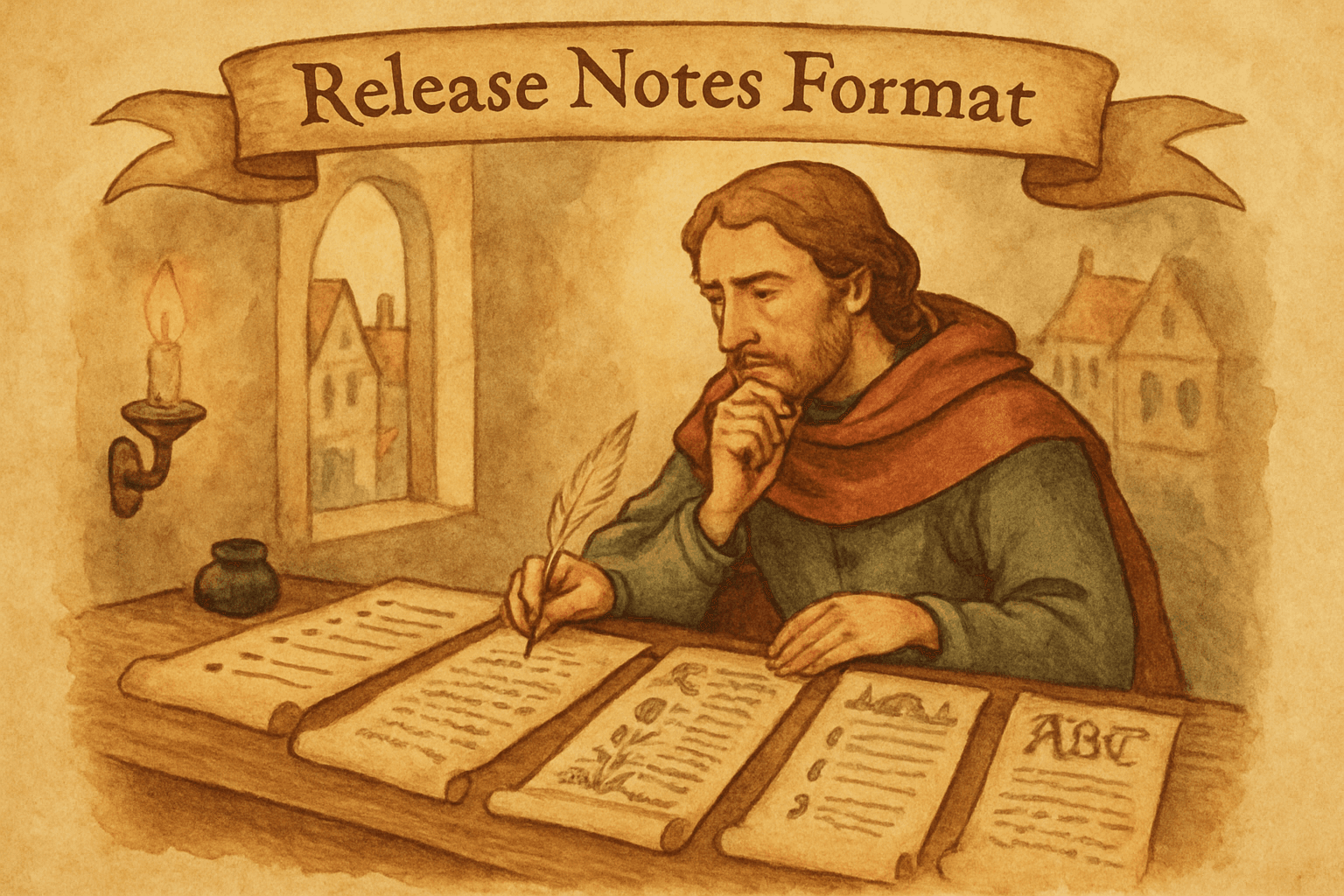
You can write the best release notes in the world, and nobody will read them if the format is wrong. A wall of prose for a developer audience. Dry bullet points for a consumer product. A 3,000-word narrative for a minor bug fix. The content might be perfect, but the container kills it.
Release notes format is the unsexy part of product communication. Nobody discusses it in product meetings. But it's the first thing users evaluate, often unconsciously, when they decide whether to read or scroll past.
The 5 common formats
1. Categorized bullet lists
The most widely used format. Group entries by type (New, Improved, Fixed), then list each change as a bullet point.
## New
- CSV export for reports (Settings > Export)
- Slack integration for real-time notifications

## Improved
- Dashboard loads 40% faster
- Search now includes archived items

## Fixed
- Login timeout on Safari resolved
- Mobile nav overlap on iOS 17 fixed
Strengths: Scannable, fast to read, easy to find specific changes. Works at any scale, from 3 entries to 30.
Weaknesses: Can feel impersonal. Doesn't convey why changes matter or how they connect.
Best for: Developer tools, API changelogs, B2B SaaS, weekly or biweekly updates, teams shipping many small changes.
Use this when: Your audience wants to scan, find what's relevant, and move on. Most SaaS products should default to this format.
2. Narrative prose
Each update is a short paragraph or story. Explains the why, the what, and the context.
We heard from many of you that exporting data was
too manual. Starting today, you can export any report
as CSV with one click. Go to Settings > Export, select
your date range, and download. We tested this with
500+ rows and it completes in under 2 seconds.

We also tackled the dashboard performance issue that
several customers flagged. Load times are down 40%
across the board, with the biggest improvements on
accounts with 10,000+ entries.
Strengths: Tells a story. Shows empathy and reasoning. Makes users feel heard. Great for building connection with your audience.
Weaknesses: Slow to read. Harder to scan. Buries specific changes in prose. Difficult to maintain consistently.
Best for: Consumer products, early-stage products building a community, monthly or quarterly updates, founder-led communication.
Use this when: Your audience cares about the journey, not just the destination. Building-in-public products, consumer apps, and communities.
3. Feature spotlights with supporting bullets
A hybrid: one or two features get narrative treatment, everything else gets bullet points.
## 🚀 CSV Export is here

You asked, we built it. Export any report as CSV in
one click. Go to Settings > Export, pick your date
range, and download. Works with up to 50,000 rows.

## Also in this update
- Dashboard loads 40% faster
- Search includes archived items
- Fixed login timeout on Safari
- Fixed mobile nav overlap on iOS 17
Strengths: Highlights what matters most while still documenting everything. Balances depth and scannability.
Weaknesses: Requires editorial judgment about what deserves the spotlight. Can feel inconsistent if the "also" section is longer than the spotlight.
Best for: Biweekly or monthly updates where one or two features deserve attention but you also shipped smaller improvements.
Use this when: You have a mix of big and small changes and want to give the big ones the space they deserve without ignoring the rest.
4. Visual changelogs (screenshots + GIFs)
Each entry includes a screenshot, GIF, or short video alongside the description.
Strengths: Shows, doesn't just tell. A 3-second GIF of a new drag-and-drop interaction communicates more than any description. Highly engaging on social media.
Weaknesses: Production cost is higher. Screenshots become outdated quickly if the UI changes. Heavy media can slow down page loads.
Best for: UI-heavy products, design tools, consumer apps, social sharing. Products where the visual change IS the update.
Use this when: The feature is visual and a screenshot explains it better than words. Don't force visuals on backend changes.
5. Structured data format
Machine-readable formats like Keep a Changelog, conventional commits, or JSON feeds. Designed for developers and automation.
## [2.4.1] - 2026-03-18

### Added
- CSV export for reports (#1247)
- Slack integration for notifications (#1251)

### Changed
- Dashboard query optimization (40% faster)

### Fixed
- Login timeout on Safari (#1239)
- Mobile nav overlap on iOS 17 (#1241)
Strengths: Standardized, parseable, works with automation tools. Version-linked via issue numbers. Git-friendly.
Weaknesses: Not user-friendly for non-technical audiences. Feels cold and robotic.
Best for: Open-source projects, libraries, APIs, developer tools, CLI applications.
Use this when: Your audience reads changelogs in IDEs, CLI tools, or GitHub. Follow Keep a Changelog conventions for consistency.
Choosing your format: the decision framework
The right format depends on three variables:
1. Who reads your release notes?
| Audience | Preferred format |
|---|---|
| Developers | Categorized bullets or structured data |
| Product managers | Feature spotlights with bullets |
| End users (B2B) | Categorized bullets |
| End users (B2C) | Narrative or visual |
| Executives | Feature spotlights (short) |
| Mixed | Feature spotlights with bullets |
2. How often do you publish?
| Cadence | Recommended format |
|---|---|
| Daily | Categorized bullets (keep it tight) |
| Weekly | Categorized bullets or feature spotlights |
| Biweekly | Feature spotlights with bullets |
| Monthly | Narrative or feature spotlights |
| Quarterly | Narrative with visuals |
More frequent updates need more scannable formats. If you publish daily, nobody wants to read prose. If you publish quarterly, bullets feel thin for 3 months of work.
3. How many changes per release?
| Changes per release | Recommended format |
|---|---|
| 1-3 | Narrative or feature spotlight |
| 4-10 | Feature spotlights with bullets |
| 10-20 | Categorized bullets |
| 20+ | Categorized bullets with section headers |
Few changes deserve depth. Many changes need scannability.
Format rules that apply everywhere
Regardless of which format you choose:
Lead with the user impact, not the implementation
Wrong: "Refactored the dashboard rendering pipeline to use virtual scrolling." Right: "Dashboards with 10,000+ entries now load in under 2 seconds."
Both describe the same change. The first tells developers what you did. The second tells users what they get. Write for users, not for your team.
One idea per entry
Each bullet or paragraph should cover one change. Don't combine "CSV export and 3 bug fixes" in a single entry. Users scanning for the bug fix will miss it.
Include action paths
Every entry should answer "what do I do?" even if the answer is "nothing."
- "Try it: Settings > Export > CSV" (action required)
- "No action needed, dashboards are already faster" (no action)
- "API users: update your integration by April 1" (urgent action)
Use consistent tense
Pick present tense ("You can now export...") or past tense ("Added CSV export...") and stick with it across all entries. Mixing tenses reads as careless.
Most user-facing release notes work better in present tense. It focuses on what the user can do now, not what the team did.
Date everything
Every release note entry needs a date. Users need to know if the change is from today or last month. Undated entries are untrustworthy, they could be from yesterday or two years ago.
Formatting for different channels
The same content often needs different formatting for different distribution channels:
Changelog page
Your changelog page is the canonical source. Use your full format here, whatever you chose. This is where completeness matters.
Email updates should be shorter than your changelog page. Pick the 3-5 most important changes, use the feature spotlight format, and link to the full changelog for details. Nobody reads a 20-item bullet list in an email.
In-app
In-app announcements are the shortest format. One feature, one sentence, one CTA. "New: Export reports as CSV. Try it now." Banner or modal, not a full changelog.
Social
Twitter/X and LinkedIn posts need the tightest format: one headline change, one screenshot, one link. "We just shipped CSV export. One click, up to 50K rows. [screenshot]"
Slack
Internal Slack posts can be more casual than the changelog page. Use the categorized bullet format with emoji: 🚀 for new, ✨ for improved, 🐛 for fixed.
Templates to get started
Template 1: Weekly SaaS update (categorized bullets)
# What's New — Week of [Date]

## 🚀 New
- [Feature name] — [one-line description] ([where to find it])

## ✨ Improved
- [Improvement] — [what's better and by how much]

## 🐛 Fixed
- [Bug description] — [what was happening, now resolved]
Template 2: Monthly product update (feature spotlight)
# [Month] Product Update

## [Hero Feature Name]
[2-3 sentences: what it does, why it matters, how to use it]
[Screenshot or GIF if visual]

## Also this month
- [Change 1]
- [Change 2]
- [Change 3]

## Coming next
- [One-line teaser for next month]
Template 3: API changelog (structured data)
## [Version] — [Date]

### Breaking Changes
- [Change] — Migration guide: [link]

### Added
- [Endpoint/feature] (#issue)

### Fixed
- [Bug] (#issue)

### Deprecated
- [Feature] — Will be removed in [version/date]
Automating the format
The hardest part of release notes isn't choosing the format. It's consistently filling it in. Manual formatting is where most release note workflows die, someone forgets, someone formats it differently, and suddenly the changelog is inconsistent.
Worknotes generates formatted entries from your completed Linear tickets. Each entry comes pre-categorized (new feature, improvement, or fix) based on the ticket labels. You review and publish. The format stays consistent because the tool enforces it, not because someone remembers to.
For teams using markdown changelogs in their repo, tools like conventional commits auto-generate structured entries from commit messages. Different approach, same goal: consistent format without manual effort.
The bottom line
Pick the format that matches your audience and cadence. Default to categorized bullets if unsure. Be consistent. Date everything. Lead with user impact.
The format is the container. The content is what matters. But even great content goes unread in the wrong container.
Worknotes generates formatted changelog entries from your Linear tickets with automatic categorization. $29/month flat. Start your free trial →
A better way to share product updates
Worknotes is a platform for creating and sharing product updates across changelogs, email, and in-app announcements, without slowing down your team.