In-App Announcements vs Email Updates: When to Use Each
You shipped a big feature on Friday. On Monday, your support inbox has three tickets asking for exactly that feature. The users were in your product all weekend. They just never saw the update.
This is the distribution problem. Building features is half the work. Getting users to notice them is the other half. And the channel you choose determines who actually finds out.
In-app announcements and email updates are the two workhorses of product communication. They're not interchangeable. Each reaches a different audience at a different moment with different expectations. Using the wrong one (or using only one) means your updates reach half the people they should.
The Core Difference
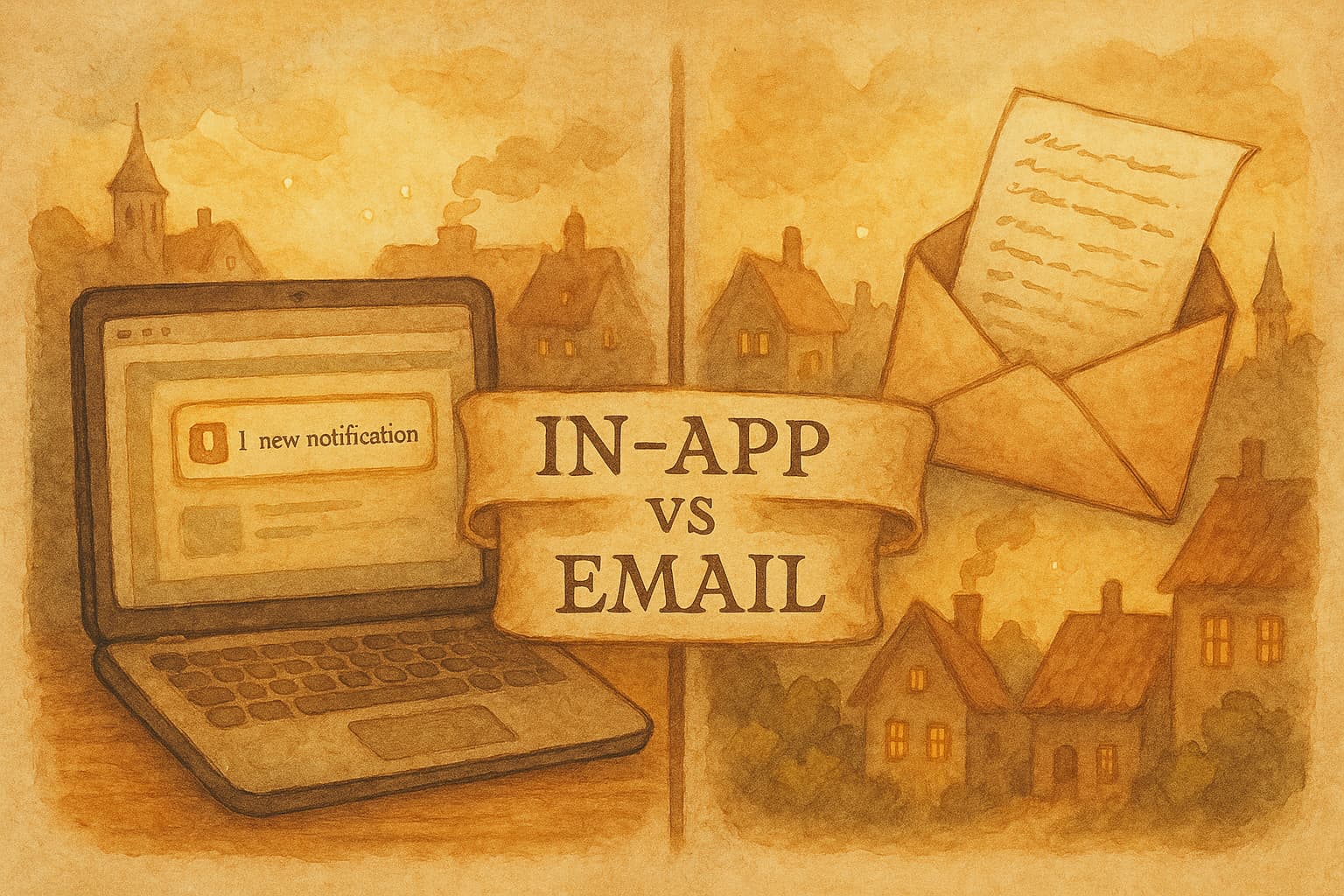
In-app announcements reach users who are actively using your product right now. Banners, modals, tooltips, changelog widgets. The user is already in context. They're doing something. Your announcement appears at the moment they're most likely to care.
Email updates reach users who aren't in your product. They might not have logged in for a week. They might be on their phone, scanning their inbox between meetings. Your email is competing with 47 other messages for a few seconds of attention.
Neither is better. They solve different timing problems.
When to Use In-App Announcements
In-app works best when context matters more than reach.
New UI elements
You moved a button. You added a tab. You changed a navigation pattern. Users who are in the middle of a workflow need to know now, not when they check email later. A tooltip pointing to the new location or a banner explaining the change prevents confusion before it starts.
Feature discoverability
You added export-to-CSV to a page that already has 6 other buttons. Without a tooltip or hotspot, users will discover it in 3 months (or never). In-app announcements put the feature in front of users while they're in the exact context where it's useful.
Maintenance and incidents
Your API will be down for 2 hours tonight. An in-app banner is the right channel. Users who are currently using the product need to know. Users who aren't in the product don't need an email about downtime that will be resolved before they log in.
Quick wins and minor improvements
"Search is now 3x faster." "Dark mode is here." "You can now drag to reorder." These don't justify an email campaign. They're perfect for a changelog widget entry or a subtle banner that users can dismiss and move on.
When to Use Email Updates
Email works best when reach matters more than context.
Major features
You spent 3 months building something. It changes how people use your product. This deserves an email campaign. Not everyone checks your changelog. Not everyone logs in every week. Email puts major launches in front of your entire user base, including the people who haven't logged in recently but might come back for this.
Breaking changes
You're deprecating an API endpoint in 30 days. You're changing your pricing structure. You're sunsetting a feature. Email is the only channel that guarantees you've made a reasonable effort to reach affected users. In-app only catches people who happen to log in before the change takes effect.
Re-engagement
Users who haven't logged in for 3 weeks won't see your in-app announcements. A well-timed email saying "Here's what you missed" can bring them back. Monthly or quarterly roundup emails are particularly effective for dormant users.
Targeted segments
You launched a feature that only matters to users on your Enterprise plan. Or only to users who use Jira. Email lets you segment by plan, role, behavior, or any other attribute. In-app announcements can be targeted too, but email gives you richer segmentation and personalization options.
The Format Spectrum
Not all announcements are created equal. Match the format to the importance of the message.
| Change | In-App Format | Email? |
|---|---|---|
| Bug fix | Changelog widget entry | No |
| Minor improvement | Banner (dismissible) | No |
| New feature | Modal or slideout | Yes, to relevant segments |
| Major launch | Modal + banner | Yes, to all users |
| Breaking change | Persistent banner | Yes, immediately |
| Security patch | Banner | Yes, immediately |
| Pricing change | Modal (requires acknowledgment) | Yes, to all users |
The pattern: low-impact changes stay in-app. High-impact changes get both channels. Nothing gets email only, because you should always document changes in-app for users who missed the email.
The Timing Problem
Here's what most teams get wrong: they treat in-app and email as either/or. It's both/and.
Consider the timeline of a major feature launch:
Day 0 (launch day): Email campaign to all users. In-app modal for the first session after launch. Blog post for SEO and social sharing.
Days 1-7: In-app banner for users who dismissed the modal but haven't tried the feature. No additional email.
Days 8-14: Tooltip or hotspot on the feature itself for users who still haven't engaged. No email.
Day 30: If adoption is low, a "Did you know?" email to non-adopters. Remove in-app announcements for everyone else.
This layered approach means users hear about the feature through whatever channel they encounter first, without being bombarded on every channel simultaneously.
Common Mistakes
Announcing everything everywhere
Not every change deserves a modal AND an email AND a blog post. Most changes are changelog-worthy, not campaign-worthy. Save the multi-channel treatment for changes that genuinely affect how users work.
Ignoring dismissal signals
A user closed your modal. That means they saw it. Don't show it again next session. Don't send a follow-up email about the same thing. Respect the signal. If they wanted to engage, they would have.
Email-only announcements
If a change exists only in an email that users delete, it effectively didn't happen. Always pair email announcements with in-app documentation (changelog entry at minimum) so users can find the information later.
Generic blast emails
"Here's everything that changed this month" emails with 15 bullet points get skimmed at best. Segment your emails. A user who only uses your reporting features doesn't need to know about API changes. The more relevant the email, the more likely it gets read.
Stacking announcements
User logs in and sees: a modal about a new feature, a banner about maintenance, and a tooltip about a UI change. All at once. They close everything without reading any of it. One announcement at a time. Priority order. Queue the rest.
How Teams Actually Do This
The most effective product communication systems follow a simple rule: every change gets logged, important changes get pushed.
Here's what that looks like in practice:
- Every shipped change gets a changelog entry. This is the system of record.
- Notable improvements get an in-app banner or tooltip. Visible but not disruptive.
- Significant features get a dedicated email to relevant segments, plus an in-app modal.
- Critical changes (breaking, security, pricing) get an email to all users immediately, plus a persistent in-app banner until acknowledged.
The key word is "plus." Email supplements in-app. In-app supplements the changelog. Each layer adds reach without replacing the layers below it.
Measuring What Works
Track these for each channel:
In-app announcements:
- View rate (what percentage of active users saw it)
- Dismiss rate (saw it, closed without clicking)
- Click-through rate (engaged with the CTA)
- Feature adoption rate after announcement
Email campaigns:
- Open rate
- Click-through rate
- Unsubscribe rate (if this spikes, you're emailing too often or too broadly)
- Login rate within 48 hours (did the email drive product engagement)
If your in-app dismiss rate is consistently above 90%, your announcements are either too frequent or not relevant enough. If your email open rate is below 20%, your subject lines need work or you're emailing too often.
Setting Up Both Channels
Most teams cobble together 3-4 tools: one for email campaigns, one for in-app messages, one for the changelog, one for analytics. Each has its own interface, its own user list, its own content editor.
Worknotes handles all three in one tool. Write your update (or let AI generate it from your Linear tickets), then distribute it to your changelog, via email campaign, and through in-app banners or modals. One piece of content, three channels, one workflow.
The result: every update gets logged. Important ones get pushed. Users hear about changes through whatever channel they encounter first. No one misses the big stuff. No one gets annoyed by the small stuff.
Worknotes generates product updates from your Linear tickets and distributes them via changelog, email campaigns, and in-app widgets. Start your free trial →
Senior PM in ticketing and events (B2B). Built Worknotes to solve the product update problem he kept seeing: teams ship fast but communicate slow. Previously engineering management at Johns Hopkins.
@buildwithfedeA better way to share product updates
Worknotes is a platform for creating and sharing product updates across changelogs, email, and in-app announcements, without slowing down your team.