In-App Notification vs Push Notification: Which is Better for Product Updates?
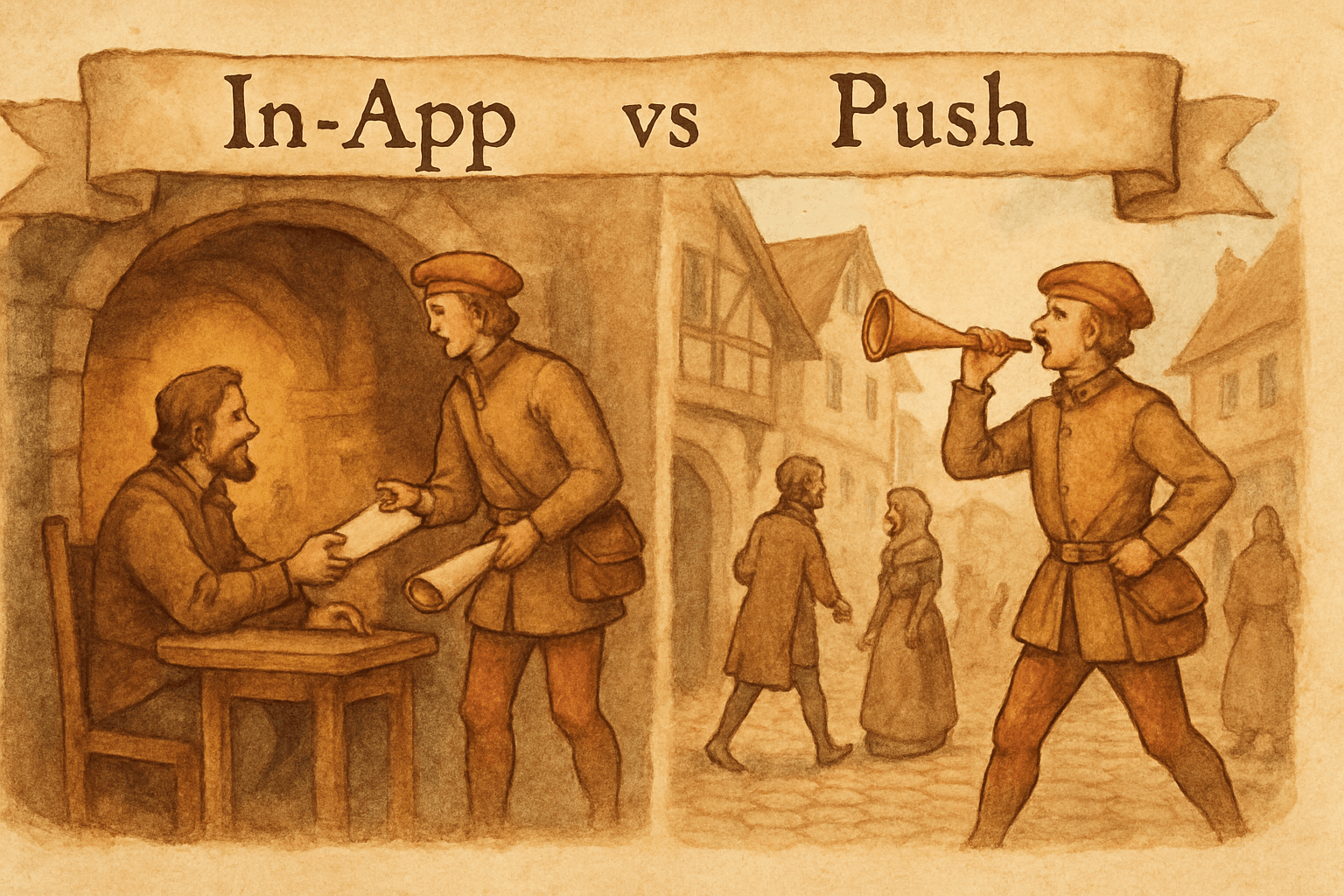
You shipped a feature. Now you need to tell users about it. You have two options that sound similar but work completely differently: show them a message inside the product, or send a notification to their phone or browser.
In-app notifications reach users when they're already engaged with your product. Push notifications reach users when they're doing something else entirely. That difference determines everything: timing, tone, conversion, and how annoyed your users get.
Most teams default to one or the other without thinking about it. The result is either missed updates (nobody sees in-app messages if they're not logged in) or notification fatigue (too many push interruptions and users disable them permanently).
The right answer is almost always "both, but for different things."
How they work
In-app notifications
Messages that appear inside your product while the user is using it. They take several forms:
- Banners: A persistent bar at the top or bottom of the interface. "New: CSV export is available."
- Modals: A centered overlay that requires attention. Used for significant updates.
- Tooltips: Small messages attached to specific UI elements. "This button is new. Click to try CSV export."
- Badges: A dot or number on a navigation item. The notification bell pattern.
- Sidebar panels: A slide-out panel listing recent updates. Beamer's widget is a classic example.
- Toast messages: Brief, auto-dismissing messages in a corner. "Dashboard updated with new charts."
Key characteristic: The user must be in the product to see them. If they haven't logged in this week, they miss the message entirely.
Push notifications
Messages sent outside your product to the user's device. They appear in:
- Browser notifications: Desktop pop-ups via the Web Push API. Requires opt-in.
- Mobile notifications: Native push on iOS/Android. Requires app installation + notification permission.
- Desktop app notifications: For products with native desktop apps (Slack, Notion, Figma).
Key characteristic: They reach users regardless of whether they're in your product. That's their power and their danger.
The fundamental trade-off
| In-app notifications | Push notifications | |
|---|---|---|
| When seen | User is in the product | User is anywhere |
| Engagement context | High (already using the product) | Low (doing something else) |
| Conversion rate | Higher (in-context action) | Lower (must open app first) |
| Annoyance risk | Low (expected inside the product) | High (interrupts other activities) |
| Reach | Only active users | All opted-in users, including dormant |
| Opt-out rate | Minimal | High if overused |
| Best for | Feature adoption | Re-engagement |
The trade-off is reach vs. context. Push notifications reach more people. In-app notifications reach the right people at the right time.
When to use in-app notifications
New feature announcements
The user is in your product. They're about to use the area where you shipped a new feature. A banner or tooltip at that exact moment has the highest conversion rate of any notification type.
"New: Export your reports as CSV" shown when the user opens the Reports page converts at 5-10x the rate of the same message sent as a push notification. The user is in context, the feature is relevant, and the action is one click away.
Onboarding and guided discovery
In-app tooltips and modals work well for guiding users through features they haven't discovered. "You've been using basic search. Did you know you can filter by date range?" shown after their 10th search query is contextual and helpful, not intrusive.
Push notifications for onboarding feel pushy. "Come back and try our search filters!" is a demand. An in-app tooltip is a suggestion.
Non-urgent updates
Performance improvements, minor UI changes, and small quality-of-life fixes don't warrant interrupting someone's day. A brief toast ("Dashboard loads 40% faster now") or a badge on the changelog icon is enough. Users notice when they're ready.
Upgrade prompts
When a free user hits a limit or tries to use a paid feature, an in-app modal explaining what they'd get on the paid plan is perfectly timed. The user is experiencing the constraint right now. The upgrade pitch is contextual, not random.
Sending a push notification saying "Upgrade to Pro!" out of nowhere feels like spam.
Multiple updates at once
If you shipped 5 things this sprint, showing a "What's New" modal with all 5 changes is efficient in-app. Five separate push notifications for 5 changes would get your app uninstalled.
When to use push notifications
Re-engaging dormant users
If a user hasn't logged in for 2 weeks, in-app notifications are invisible to them. A push notification ("3 new features since your last visit") can pull them back. This is push notifications' strongest use case: reaching people who aren't in the product.
But be careful. One re-engagement push per month is helpful. Weekly "come back!" pushes are harassment. The line between re-engagement and nagging is thin.
Time-sensitive announcements
Scheduled maintenance, security incidents, billing changes, or upcoming deadlines need to reach users even if they're not logged in. Push notifications are appropriate for things that have real urgency.
"Your trial expires in 24 hours" is a legitimate push notification. "Check out our new color picker" is not.
Breaking changes that require action
If you're deprecating an API endpoint, changing authentication, or removing a feature, users need to know before they encounter the error. Push notifications ensure the message reaches them regardless of login status.
Milestone celebrations
Sparingly used, push notifications for positive milestones can build connection. "Your team published its 100th update!" or "You've been with us for 1 year!" These work because they're rare, personal, and positive.
The keyword is sparingly. One milestone push per quarter, not one per week.
What NOT to push
These should never be push notifications:
- Minor feature updates. "We added a new icon set" does not justify an interrupt.
- Marketing promotions. "50% off annual plans!" as a push notification erodes trust.
- Content you published. "New blog post: 5 Tips for Better Reports" belongs in email, not push.
- Generic engagement bait. "You haven't logged in for 3 days!" triggers uninstalls.
- Anything you'd send more than 2x/month. If you push more than twice a month, users will disable notifications.
The rule: if the user would thank you for the interruption, push it. If they'd be annoyed, don't.
The hybrid approach
Most products should use both, strategically:
Tiered announcement strategy
| Update type | Primary channel | Secondary channel |
|---|---|---|
| Major new feature | In-app modal + email | Push (if very significant) |
| Minor improvement | In-app toast or banner | None |
| Bug fix | In-app badge on changelog | None |
| Breaking change | Push + email + in-app banner | All channels |
| Re-engagement | Push (one-time) | Email digest |
| Maintenance/downtime | Push + in-app banner | |
| Trial expiring | In-app banner + push |
Frequency budget
Set a monthly budget for each channel:
- In-app banners/modals: 2-4 per month. Users expect some noise inside the product.
- Push notifications: 1-2 per month maximum. More than this triggers disable/uninstall.
- Email digests: 2-4 per month. Higher tolerance than push.
- Toast/badges: Unlimited (they're non-intrusive). Use freely for minor updates.
Respect user preferences
Let users control their notification preferences:
- All updates: In-app + push + email (power users who want everything)
- Important only: In-app + email for major features, push only for breaking changes
- Minimal: In-app only, no push, no email
- Off: Changelog page only (passive consumption)
Most users want "important only." Default to that and let them upgrade or downgrade.
Measuring effectiveness
In-app notification metrics
- View rate: Percentage of active users who saw the notification. Target: 60-80%.
- Click-through rate: Percentage who clicked the CTA. Target: 5-15%.
- Dismiss rate: Percentage who dismissed without acting. Above 70% means the content isn't relevant or the notification is poorly timed.
- Feature adoption: Did the announced feature see a usage spike after the notification? This is the real metric.
Push notification metrics
- Delivery rate: Percentage that reached the device. Below 90% means opt-out issues.
- Open rate: Percentage who tapped the notification. Target: 3-8%.
- Opt-out rate: Percentage who disabled notifications after receiving yours. Above 1% per push is a red flag.
- App open rate: Did the push lead to a product session? Track sessions within 30 minutes of the push.
The comparison
In-app notifications typically see 5-10x higher engagement than push notifications for the same content. A "Try CSV export" banner inside the product gets 15% click-through. The same message as a push gets 3%. The context difference is that significant.
But push reaches users who aren't in the product. If your goal is re-engagement (bringing dormant users back), push is the only option. In-app can't reach someone who isn't there.
Implementation options
In-app notifications
- Build your own: Custom React/Vue components, API for managing notification state. Full control but ongoing maintenance. Our build vs buy analysis applies here too.
- Worknotes: In-app banners and modals for product updates, integrated with your changelog and email campaigns. $29/month.
- Beamer: Sidebar widget, popup, tooltip, and notification center. Starting at $49/month.
- Pendo/Intercom: In-app guides and product tours. Starting at $500+/month. Overkill if you only need update announcements.
Push notifications
- Firebase Cloud Messaging (FCM): Free for mobile push. Requires app integration.
- OneSignal: Free tier for web push. Easy setup.
- Web Push API: Native browser API. No third-party needed but limited iOS support.
The integrated approach
Tools like Worknotes handle in-app notifications alongside your changelog and email campaigns. You write the update once, then distribute it across page, email, and in-app widgets. That eliminates the "write the same announcement 3 times for 3 channels" problem.
The bottom line
Use in-app notifications as your primary channel for product updates. They reach users in context, convert at higher rates, and carry less annoyance risk.
Reserve push notifications for re-engagement, breaking changes, and time-sensitive alerts. Use them sparingly (1-2 per month) and only when the user would genuinely want to be interrupted.
The biggest mistake isn't choosing wrong between the two. It's using push notifications at the frequency of in-app notifications. That's how you lose notification permissions permanently.
Worknotes includes in-app banners and modals for product updates, alongside email campaigns (3,000/mo) and a branded changelog page. $29/month flat. Start your free trial →
A better way to share product updates
Worknotes is a platform for creating and sharing product updates across changelogs, email, and in-app announcements, without slowing down your team.