Build vs Buy: Why You Shouldn't Build Your Own Changelog
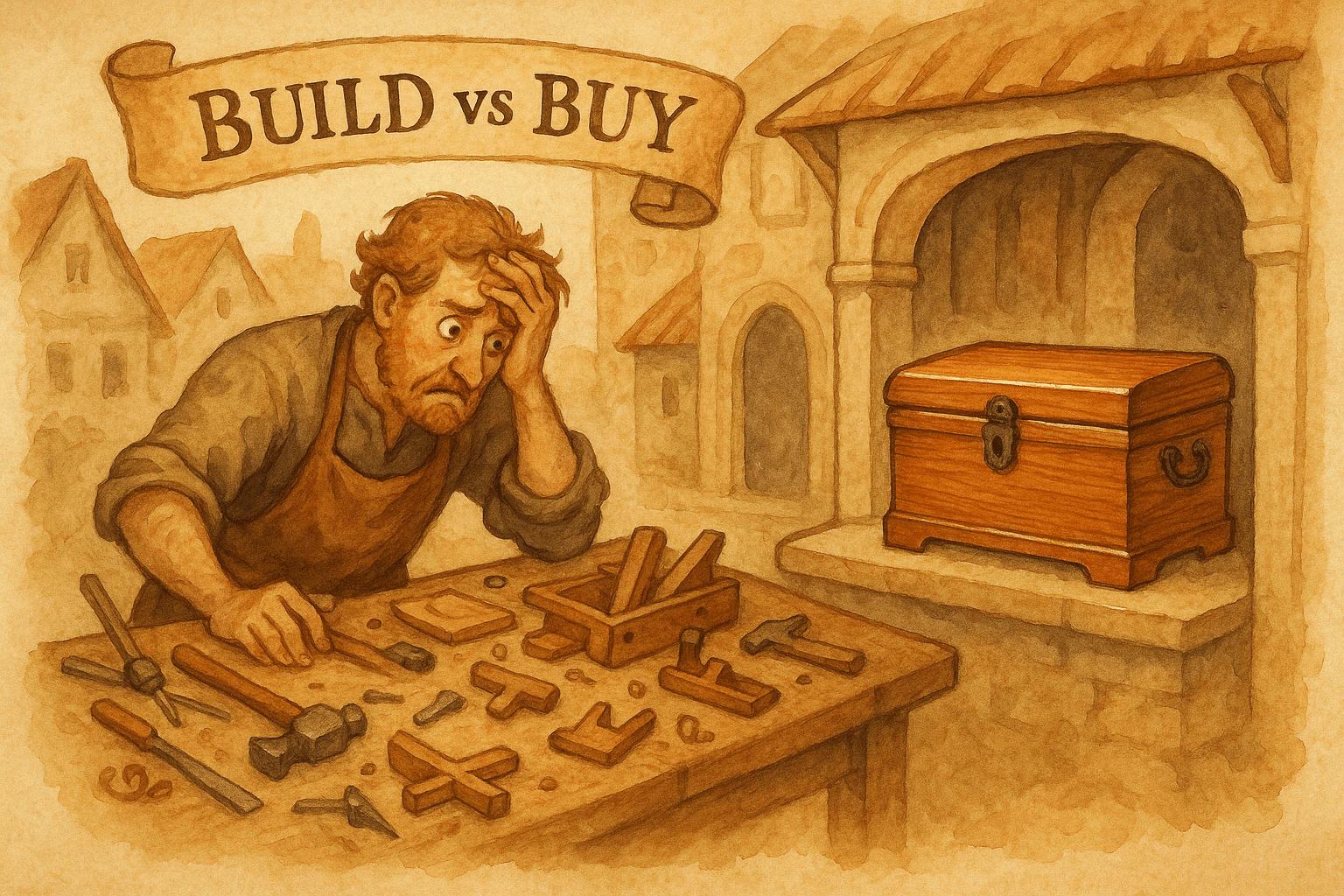
Every engineering team has the same conversation at some point. Someone suggests using a changelog tool. Someone else says "why would we pay for that? It's just a page with a list of updates. I could build it in a weekend."
They're right about the weekend part. A basic changelog page is a markdown file, a list component, and some CSS. Maybe an afternoon if you're using Next.js or a static site generator. You push it to production, the team writes a few entries, and it works.
Then three months pass. And the changelog page that took a weekend to build starts consuming weeks of ongoing maintenance, feature requests from the marketing team, and guilt from the entries that nobody writes.
This isn't a theoretical argument. LaunchNotes published a version of this with "12 Reasons Not to Build Your Own Changelog." We're going to be more specific about why, because the reasons aren't obvious until you've lived them.
What "building a changelog" actually means
When engineers say "I'll build a changelog," they're usually picturing this:
Version 1 (the weekend project):
- A page that renders markdown or JSON entries
- Newest first, maybe with dates and categories
- Deployed alongside the existing app
This takes 4-8 hours. It works. And it's exactly where the conversation should start.
The problem is that Version 1 never stays Version 1.
The feature creep timeline
Here's what actually happens after you ship your homegrown changelog:
Month 1: "Can we add categories?"
Product wants to separate "New Features" from "Bug Fixes" from "Improvements." Reasonable request. You add a category field and some filter tabs. Half a day of work.
Month 2: "Can we send email notifications?"
Users aren't visiting the changelog page. The PM wants to email subscribers when something important ships. Now you need: an email list, a subscription form, an unsubscribe flow, email templates, a sending service (SendGrid, Postmark), bounce handling, and compliance with CAN-SPAM or GDPR.
This is no longer a changelog feature. This is building an email system. You either spend 2-3 weeks on it or you tell the PM "no," and the updates keep going unread.
Month 3: "Can we show updates inside the product?"
The widget request. A small indicator in the app that shows users there's something new. An unread badge, a dropdown panel, a banner. Now you need: a JavaScript widget, state management for read/unread, API endpoints for fetching entries, and a way to dismiss notifications.
Another week of engineering time, plus ongoing maintenance as your frontend framework evolves.
Month 4: "Nobody is writing entries"
The tool works. Nobody uses it. Writing changelog entries is friction because the workflow is: remember something shipped, open the repo, write markdown, commit, push, wait for deploy. There's no reminder, no draft system, no connection to the tickets that were completed.
You've built the publishing system but not the writing system.
Month 6: "Can we make it look nicer?"
Marketing wants custom branding, a dedicated domain (changelog.yourproduct.com), and social sharing images. Design wants to redesign the layout. The CEO wants it to "look more professional."
You're now spending engineering time on a marketing page instead of the product.
Month 12: tech debt and abandonment
The changelog code hasn't been updated in 3 months. It uses an old version of the component library. The email integration broke when you migrated email providers. Nobody fixed it because the changelog isn't the product. It's the thing next to the product.
The page still exists. The last entry is from 4 months ago. It's worse than having no changelog at all, because it signals that the product is inactive.
The real cost isn't building. It's writing.
Here's the thing most "build vs buy" articles miss: the technical implementation is the easy part. The hard part is getting humans to consistently write entries.
A changelog tool that nobody writes in is worthless regardless of whether you built it or bought it. But tools with the right workflow reduce the friction enough that writing actually happens:
Without a tool: Remember something shipped → open repo → write markdown from memory → commit → push → deploy → maybe someone reads it.
With a connected tool: Sprint ends → tool shows completed tickets → AI generates a draft → you review and edit → publish to page + email + widget in one click.
The difference isn't the technology. It's the workflow. Building the page is easy. Building the workflow that makes the page useful is where the real investment lives.
When building makes sense
We're not going to pretend that buying always wins. There are legitimate cases where building your own changelog is the right call:
You only need a static page
If your changelog is literally a page of text that gets updated once a month, building it makes perfect sense. A markdown file in your docs, a page in your Next.js app, or a Notion page made public. No email, no widget, no AI. Just a page.
Cost: zero ongoing effort beyond writing the entries.
You have unusual requirements
If your changelog needs to integrate deeply with internal systems (custom CI/CD annotations, internal deployment tracking, audit logging for compliance), a off-the-shelf tool won't cover it. Building a custom solution that connects to your specific infrastructure makes sense.
You're a developer tools company
If your users are developers who expect changelogs in a specific format (like conventional commits or keep-a-changelog), you might want full control over the format. Though even here, a tool that exports to standard formats could save time.
You have engineering capacity to spare
If your team has bandwidth and the changelog is a good way to onboard a new engineer to the codebase, building it serves a dual purpose. Just be honest about the ongoing maintenance commitment.
When buying makes sense
You want email distribution
Building email infrastructure (templates, subscription management, bounce handling, compliance) for a changelog is engineering overkill. Changelog tools with built-in email solve this in minutes, not weeks.
You want in-app widgets
An embeddable widget that shows users what's new inside your product requires JavaScript snippets, API endpoints, read/unread state, and ongoing maintenance. Tools handle this out of the box.
You want AI generation
Connecting your issue tracker to your changelog so completed tickets automatically become user-facing entries requires custom AI integration, prompt engineering, and ongoing tuning. Or you can use a tool that does this natively.
You want consistency
The biggest benefit of buying isn't features. It's that the tool creates a workflow, the workflow creates a habit, and the habit creates consistent updates. When writing a changelog entry is a 2-minute task inside a dedicated tool (instead of a 15-minute commit to a repo), it happens more often.
The math
Let's do rough numbers for a SaaS team of 10-50 people:
Building:
- Initial build: 8-16 hours of engineering time (~$800-$1,600 at $100/hr)
- Email integration: 16-24 hours (~$1,600-$2,400)
- Widget: 8-16 hours (~$800-$1,600)
- Ongoing maintenance: 2-4 hours/month (~$200-$400/month)
- Total Year 1: ~$5,600-$10,400
- Total Year 2+: ~$2,400-$4,800/year
Buying:
- Free tools: $0/year (with limitations)
- Mid-range tools: $29-99/month ($348-$1,188/year)
- Enterprise tools: $249+/month ($2,988+/year)
For most teams, buying a mid-range tool costs less than the ongoing maintenance of a custom solution. And that's before counting the opportunity cost of engineering time spent on changelog infrastructure instead of the actual product.
What to look for in a changelog tool
If you decide to buy, here's what actually matters:
Must-haves:
- Hosted changelog page with custom domain
- Easy entry creation (low friction = consistent updates)
- In-app widget (at minimum a badge or banner)
High-value features:
- Email campaigns (send updates to subscribers)
- AI generation from your issue tracker (kills the "nobody writes entries" problem)
- Categories and labels (organize by type)
Nice-to-haves:
- Scheduled publishing
- Custom branding and CSS
- Analytics per entry
- Reactions and feedback
Don't overpay for:
- Feedback boards (use a dedicated tool if you need this)
- Public roadmaps (not the same problem as changelog)
- 50+ integrations you won't use
- Enterprise features you don't need yet
We built Worknotes specifically for teams that want the core workflow without the extras. AI generates entries from your Linear tickets, email campaigns reach up to 3,000 subscribers, and in-app widgets show updates inside your product. $29/month flat. No per-seat, no MAU-based pricing.
But the specific tool matters less than the decision. If you're going to invest engineering time in a changelog, invest it in writing great updates, not in building the infrastructure to publish them.
The bottom line
Build if you only need a static page. Buy if you need email, widgets, or AI generation.
The weekend project stays a weekend project about 10% of the time. The other 90% becomes a side project that nobody maintains, a source of ongoing feature requests, and a reminder that "simple" tools are only simple until people start using them.
Your engineering team's time is better spent on your product. Let someone else maintain the changelog infrastructure.
Worknotes generates changelog entries from Linear, sends email campaigns, and shows in-app widgets. $29/month flat, no engineering maintenance required. Start your free trial →
A better way to share product updates
Worknotes is a platform for creating and sharing product updates across changelogs, email, and in-app announcements, without slowing down your team.