What is a Changelog? Everything You Need to Know
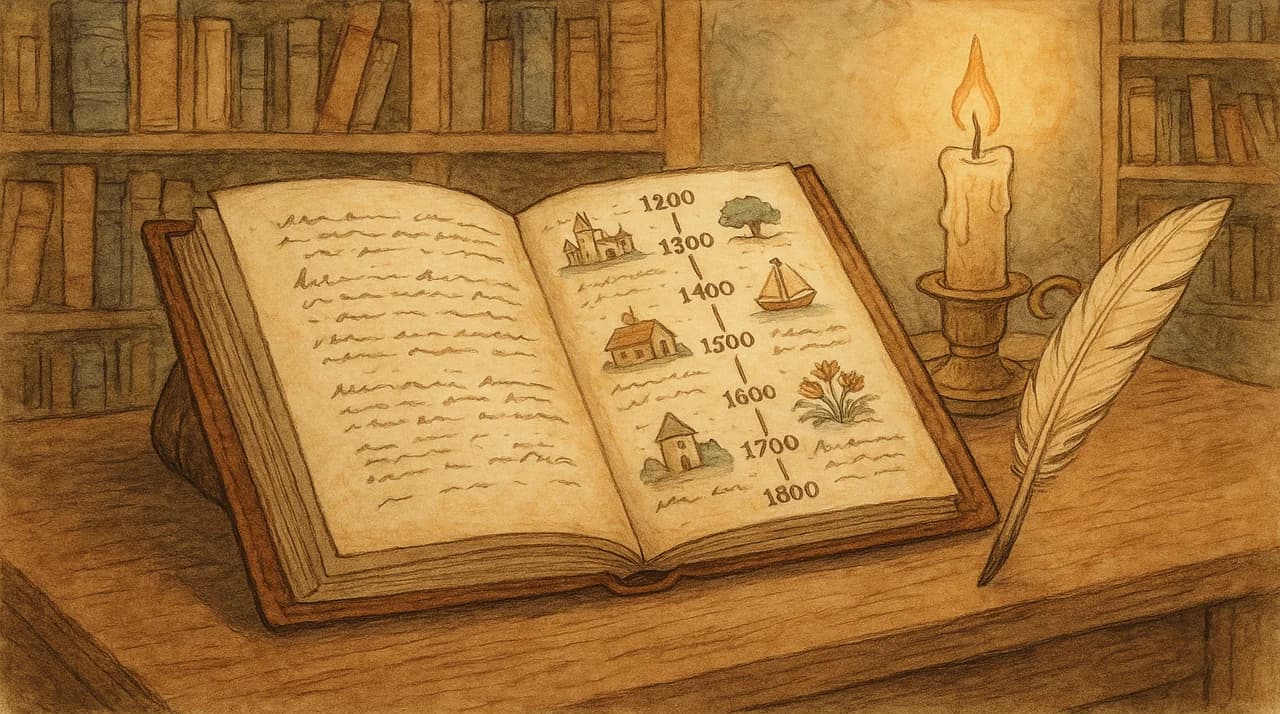
Open any well-run SaaS product and you'll find a page that lists every change, update, and fix the team has ever shipped. That page is a changelog.
It sounds simple because it is. A changelog is a record of what changed in your product, organized by date. But the gap between "a list of changes" and "a changelog that actually drives adoption and trust" is enormous. Most teams get the first part right and miss everything else.
This guide covers what a changelog is, why it matters more than most teams realize, how to write one that people actually read, and how the best SaaS companies use theirs as a growth tool.
Changelog Definition
A changelog (sometimes written as "change log") is a chronological record of notable changes made to a product, project, or codebase. Each entry typically includes:
- The date of the change
- What changed (new feature, improvement, bug fix, deprecation)
- A description that explains the change in plain language
The term comes from software development, where developers have tracked code changes in CHANGELOG.md files since the early days of open source. But changelogs have expanded far beyond developer tools. Today, every SaaS product from Notion to Stripe maintains a public changelog for their users.
Changelog vs. release notes: These terms are often used interchangeably, and that's mostly fine. The subtle difference is that a changelog is the ongoing record (all changes, all time), while release notes focus on a specific version or release. In practice, most SaaS teams use "changelog" for both.
Changelog vs. commit log: A commit log is for developers. It tracks every code change, including internal refactors, dependency updates, and typo fixes. A changelog is for users. It translates developer work into language that customers care about. If your changelog reads like a git log, you're doing it wrong.
Why Changelogs Matter
A changelog is one of the few assets that serves every audience your product has: users, prospects, investors, journalists, and your own team. Here's why each group cares.
For existing users
Your users are paying for a product that evolves. The changelog is how they know it's evolving in their favor.
Feature discovery. Most users never find new features on their own. A study by Pendo found that 80% of SaaS features are rarely or never used. Your changelog is the primary mechanism for closing that gap.
Trust and retention. An active changelog signals that the product is healthy and maintained. A stale one signals abandonment. Users evaluating whether to renew their subscription check the changelog more often than you think.
Reduced support load. When users can see that a bug was fixed or a workflow changed, they don't need to contact support. Each clear changelog entry is a support ticket that never gets created.
For prospects
People evaluating your product check the changelog to answer three questions: Is this team shipping? Are they building what I need? Do they care about quality?
A changelog with regular, substantive entries answers all three better than any marketing page. It's proof of momentum that can't be faked.
For your team
Writing changelog entries forces your team to articulate what they shipped and why it matters. This sounds trivial, but it catches a surprising amount of misalignment. If your PM can't explain a feature in two sentences, the feature might not be clear enough.
Changelogs also create an institutional record. Six months from now, when someone asks "when did we ship X?" or "why did we change Y?", the changelog has the answer.
What to Include in a Changelog
Not every code change deserves a changelog entry. The filter is simple: would a user care?
Always include
- New features that users can access
- Significant improvements to existing features (performance, UX, expanded functionality)
- Bug fixes that affected user workflows
- Breaking changes or deprecations that require user action
- Security updates (even if vague for safety reasons)
- Pricing or plan changes
Usually skip
- Internal refactors that don't change user experience
- Dependency updates (unless they affect performance or security)
- Minor copy changes
- A/B tests (unless the winning variant is now permanent)
- Infrastructure changes invisible to users
The categorization standard
The most widely adopted format comes from Keep a Changelog, which uses these categories:
- Added for new features
- Changed for changes in existing functionality
- Deprecated for soon-to-be removed features
- Removed for now removed features
- Fixed for any bug fixes
- Security for vulnerability fixes
Many SaaS changelogs simplify this to three categories: New, Improved, and Fixed. Either approach works. Pick one and stay consistent. For ready-to-use formats, check our changelog templates.
How to Write Good Changelog Entries
The difference between a changelog nobody reads and one that drives adoption comes down to writing. Here are the principles that matter.
Write for users, not developers
Bad: "Refactored the notification service to use WebSockets instead of polling, reducing latency by 340ms on p95."
Good: "Notifications are now instant. You'll see updates the moment they happen, with no delay."
The first version is accurate and technically impressive. The second version is what users care about. Save the technical details for your engineering blog.
Lead with the benefit
Bad: "Added CSV export to the contacts page."
Good: "Export your contacts to a spreadsheet in one click."
Start with what the user can do, not what you built. The feature name can come second.
Be specific about fixes
Bad: "Fixed a bug."
Good: "Fixed an issue where email campaigns showed 0% open rate on Safari. Your stats are now accurate across all browsers."
Vague bug fixes erode trust. Specific ones build it. Users who experienced the bug want to know it's genuinely resolved. Users who didn't experience it see that you sweat the details.
Keep it scannable
Most changelog readers are scanning, not reading. Structure entries for skimmers:
- Bold the feature name or key change at the start of each entry
- One sentence per entry for minor changes. Two to three for major features
- Use categories (New, Improved, Fixed) so readers can jump to what matters to them
- Link to docs or blog posts for features that need more explanation
For a deep dive on writing entries that get read, see our guide on how to write changelog entries that users actually read.
Changelog Format Options
Changelogs come in several formats. The right one depends on your audience, your stack, and how much effort you want to invest.
Markdown (CHANGELOG.md)
The original format. A Markdown file in your repository that lists changes by version number.
# Changelog

## [2.4.0] - 2026-02-25

### Added
- AI-generated changelog entries from Linear tickets
- Bulk contact import via CSV

### Fixed
- Email open tracking on Safari mobile
Best for: Open source projects, developer tools, teams that live in GitHub.
Pros: Version-controlled, easy to maintain, universal format.
Cons: Not user-friendly for non-technical audiences. No built-in distribution (users have to find it).
Hosted changelog page
A dedicated page on your website (e.g., yourproduct.com/changelog) that displays updates in a designed, user-friendly format.
Best for: SaaS products with non-technical users.
Pros: Branded, searchable, shareable. Can include images and rich formatting. SEO benefits.
Cons: Requires building or buying a tool to maintain it.
In-app widget
A changelog that lives inside your product, typically as a sidebar, modal, or notification badge. Users see "what's new" without leaving the app.
Best for: Products where users spend most of their time inside the app.
Pros: Highest visibility. Users see updates exactly when they're relevant. Can badge unread items.
Cons: Limited formatting. Can feel intrusive if overused.
Email digest
A periodic email (weekly or monthly) that summarizes recent changes and links to the full changelog.
Best for: Products with users who don't log in daily. Great for re-engagement.
Pros: Reaches users who aren't actively checking your product. Drives traffic back to the app.
Cons: Can be ignored if too frequent. Requires maintaining a mailing list.
The best approach: combine them
The most effective changelog strategy uses multiple formats. Maintain a hosted changelog page as the source of truth, embed an in-app widget that links to it, and send email digests for major updates.
Worknotes handles all three: hosted changelog pages, in-app widgets (banners and modals), and email campaigns up to 3,000/month. One place to write the update, multiple channels to distribute it.
Changelog Examples from Top Companies
The best way to understand what makes a good changelog is to study the companies doing it well. Here's a quick overview of different approaches:
Linear treats their changelog like a product marketing showcase. Every entry reads like a mini blog post, with screenshots, context, and clear explanations. Their changelog regularly gets shared on X (Twitter) and drives significant organic traffic.
Stripe maintains a developer-focused changelog that's concise and technical. Each entry is one to two sentences with a link to the relevant API docs. Clean, scannable, and exactly what their developer audience needs.
Notion uses a "What's New" page that combines changelog entries with longer feature announcements. They invest heavily in visuals and GIFs that show features in action.
Vercel publishes a minimal, well-organized changelog that groups changes by category and links to detailed blog posts for major features.
For a detailed breakdown of what makes each company's approach effective (and what you can steal for your own changelog), read our analysis of 10 best changelog examples from top SaaS companies.
How to Start a Changelog (Step by Step)
If you don't have a changelog yet, here's how to start one today:
Step 1: Pick your format
For most SaaS products, start with a hosted changelog page. It's the most versatile format and gives you the best foundation for adding widgets and email later.
If you're an open source project or developer tool, a CHANGELOG.md file is fine to start.
Step 2: Write your first entry
Don't try to backfill your entire product history. Start with the most recent release and move forward. Your first entry can be as simple as:
## February 25, 2026

### New
- [Feature you just shipped] — [one-line benefit]

### Improved
- [Recent improvement] — [what's better now]

### Fixed
- [Recent bug fix] — [what was broken, now works]
Need help with the format? Use our changelog templates or generate your first entry with AI for free.
Step 3: Set a cadence
The most common cadences:
- Every release — best for teams shipping weekly or bi-weekly
- Weekly summary — batch smaller changes into a weekly post
- Monthly digest — minimum viable cadence. Less frequent than this and users won't check
Pick one and stick to it. Consistency matters more than frequency.
Step 4: Distribute it
A changelog nobody sees is just a text file. Distribute your updates:
- Link from your product — add a "What's New" link in your nav or help menu
- Send email updates — notify users about major changes
- Share on social — your changelog entries are ready-made content for X and LinkedIn
- Add an in-app widget — badge it with unread counts to drive engagement
Step 5: Make it part of your shipping process
The hardest part of maintaining a changelog isn't writing. It's remembering to write. Build it into your release process:
- Ship the feature
- Write the changelog entry (or generate it from your tickets)
- Publish to your changelog page
- Distribute via email and in-app
If it's not in your workflow, it won't happen consistently. Tools like Worknotes connect directly to Linear so your completed tickets become changelog entries with one click.
Changelog FAQ
How often should I update my changelog? At minimum, monthly. Ideally, with every release or sprint. The right cadence depends on how often you ship. The rule: if you shipped something users would notice, it should be in the changelog within a week.
Should my changelog be public? Yes, almost always. Public changelogs build trust with prospects, help existing users discover features, and improve SEO. The only exception is if your changes contain sensitive security information that could be exploited before users patch.
Who should write changelog entries? The person closest to the feature. Usually the PM or engineering lead. They understand the user impact best. If writing is a bottleneck, AI tools can generate drafts from your ticket descriptions that a human reviews and publishes.
How long should a changelog entry be? One to three sentences for most updates. For major features, a short paragraph plus bullet points. If you need more than that, write a blog post and link to it from the changelog entry.
What about versioning? For open source projects, use Semantic Versioning (MAJOR.MINOR.PATCH). For SaaS products, dates work better than version numbers because users don't think in version numbers. "February 25, 2026" is more meaningful than "v2.4.0" to most SaaS users.
Start Your Changelog Today
A changelog is the simplest, highest-leverage communication tool your product team has. It takes minutes to maintain, it serves every audience you have, and the compound effect of consistent updates builds trust that no marketing campaign can replicate.
If you're ready to start, grab one of our changelog templates or generate your first entry with AI.
If you want the full toolkit (hosted pages, in-app widgets, email campaigns, and AI generation from your Linear tickets), try Worknotes free for 14 days. No credit card required.
Senior PM in ticketing and events (B2B). Built Worknotes to solve the product update problem he kept seeing: teams ship fast but communicate slow. Previously engineering management at Johns Hopkins.
@buildwithfedeA better way to share product updates
Worknotes is a platform for creating and sharing product updates across changelogs, email, and in-app announcements, without slowing down your team.