Changelog for Mobile Apps: How to Announce Updates in iOS and Android
Mobile app changelogs have a different problem than web app changelogs.
Your users are not sitting in a browser with a visible updates menu. They are in the app, on a small screen, usually trying to do something fast. If you want them to notice a new feature, you need to announce it where they already are.
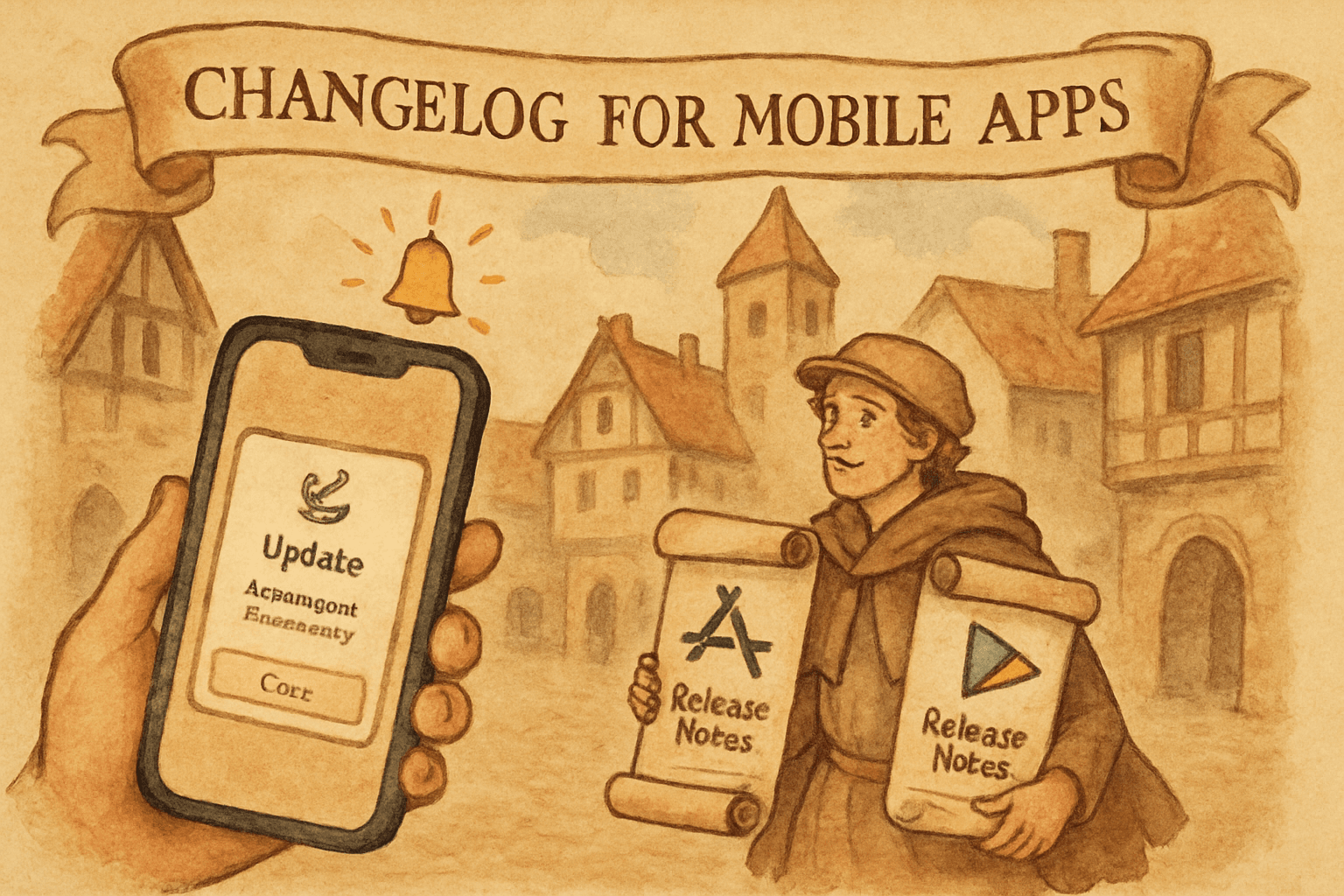
That means app store release notes, in-app update cards, push notifications, and sometimes a lightweight changelog page inside the app itself.
Here is how to do mobile changelogs properly for iOS and Android.
The big difference with mobile
On desktop SaaS, a changelog page can be a central hub.
On mobile, that is not enough.
People rarely leave the app to read updates. If you want adoption, you need a multi-layered approach:
- App Store / Google Play release notes
- In-app announcement when the user opens the app
- Optional push notification for major launches
- A simple in-app updates screen or modal
Think of the changelog as the source of truth, then distribute that update into the app itself.
What mobile users actually see
1. App store release notes
These are visible in the App Store and Google Play listing.
Good for:
- public proof of shipping
- users who check updates manually
- app store SEO and trust
Bad for:
- immediate adoption
- explaining complex changes
2. In-app announcement
A banner, modal, card, or bottom sheet shown inside the app.
Good for:
- feature discovery
- behavior changes
- onboarding users into new workflows
This is usually the highest-impact mobile update channel.
3. Push notification
Best for major launches or urgent changes.
Good for:
- big feature announcements
- re-engagement
- time-sensitive product changes
Bad for:
- small bug fixes
- too many low-value updates
4. Mobile changelog page
A simple in-app screen that lists recent updates.
Good for:
- transparency
- support
- users who like browsing updates
Bad for:
- being the only announcement method
Best format for mobile changelog entries
Mobile release notes should be short and scannable.
A good entry includes:
- title
- one-line summary
- why it matters
- optional CTA
Example:
New: Save items offline You can now keep using the app without a connection. Great for travel and spotty networks.
That is much better than a vague line like:
Fixed various improvements and enhancements
iOS release notes tips
Apple release notes can be concise, but they still need clarity.
Do:
- use plain language
- mention the user benefit
- keep updates short
- highlight major features first
Don’t:
- write internal engineering language
- list every minor bug fix
- assume users know what changed
Example iOS release note:
"We added offline saving, faster search, and a better checkout flow. You’ll notice the app feels quicker and more reliable."
Android release notes tips
Google Play release notes should follow the same logic.
Do:
- keep them human
- mention the outcome
- avoid developer shorthand
- localize if you have multiple markets
Example Android release note:
"New ways to save time, including offline access, improved notifications, and a smoother login experience."
Inside-the-app announcement patterns
Modal
Use for major launches only.
Pros:
- high visibility
- strong message control
Cons:
- annoying if overused
Banner
Use for lighter announcements.
Pros:
- low friction
- easy to dismiss
Cons:
- easy to ignore
Bottom sheet
A good middle ground for mobile.
Pros:
- native feel
- less intrusive than modal
Cons:
- needs careful design to avoid clutter
Inbox-style updates screen
Useful if you ship often.
Pros:
- persistent
- easy to revisit
Cons:
- users still need to open it
What to announce in mobile
Good mobile changelog topics:
- new core feature
- performance improvement
- offline support
- sync changes
- notification improvements
- payment flow changes
- onboarding simplification
- localization or language support
Avoid over-announcing:
- tiny bug fixes
- invisible refactors
- backend changes with no user impact
The best mobile changelog workflow
- Ship the feature
- Write one clear update entry
- Publish it in your changelog system
- Mirror it into app store notes
- Show an in-app announcement
- Track adoption
That gives the feature a real chance to be used.
Example mobile announcement stack
Let’s say you ship offline mode.
Changelog entry
"Offline mode is here. Keep browsing and saving even when your connection drops."
In-app banner
"New: offline mode is now available."
Push notification
"You can now use the app offline, try it today."
App store note
"We added offline browsing and saving for a smoother experience on the go."
Same update. Four surfaces. Better odds of being noticed.
Common mistakes
1. Writing too much
Mobile users do not want essays.
2. Using one channel only
A release note hidden in the store is not enough.
3. Announcing everything
If every tiny fix gets a push, people will mute you.
4. Forgetting context
Tell users why the update matters, not just what changed.
5. Making it hard to revisit
Let users find past updates later, inside the app or on the web.
How Worknotes fits
Worknotes is great for the source-of-truth side of the workflow.
You ship something in Linear, then Worknotes turns it into a public update, email, and in-app announcement.
For mobile products, that can feed the release notes you paste into App Store / Play Store, while also powering your changelog page and in-app update messaging.
That is the ideal setup: one update written once, distributed everywhere it matters.
Final checklist
Before publishing a mobile update, ask:
- Is this user-facing?
- Is it short and clear?
- Does it explain the benefit?
- Is it visible inside the app?
- Is it also in the app store notes?
- Does it deserve push notification treatment?
If the answer is yes, announce it.
If not, keep it in the changelog and move on.
Worknotes turns completed Linear tickets into public changelog entries, emails, and in-app announcements. $29/month flat. Start your free trial →
Senior PM in ticketing and events (B2B). Built Worknotes to solve the product update problem he kept seeing: teams ship fast but communicate slow. Previously engineering management at Johns Hopkins.
@buildwithfedeA better way to share product updates
Worknotes is a platform for creating and sharing product updates across changelogs, email, and in-app announcements, without slowing down your team.