Worknotes vs UserJot: Which One Do You Actually Need?
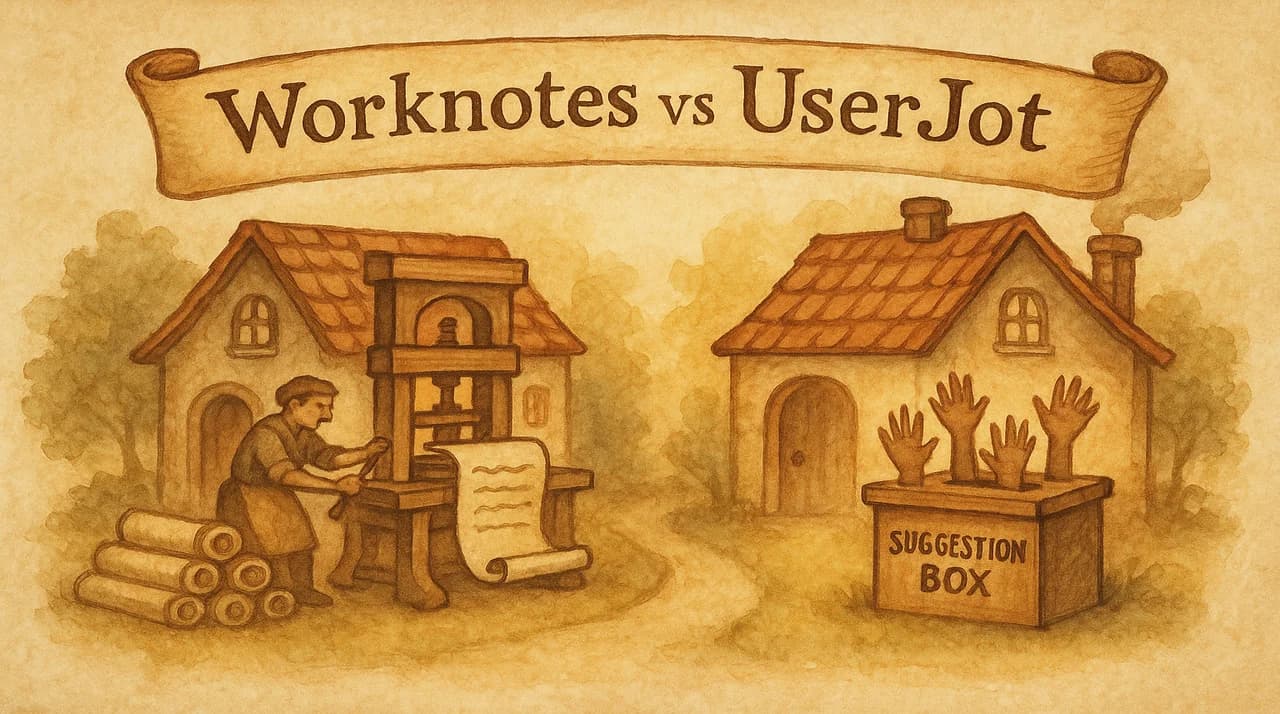
UserJot gives your users a place to tell you what to build. Worknotes helps you tell your users what you built. Same neighborhood, different houses.
The question isn't which tool is "better." It's which problem you actually have. And for a lot of PMs and founders, the answer might surprise you: you probably don't need a feedback board at all.
The Core Difference
UserJot is a feedback platform. Users submit ideas, vote on features, and track your roadmap. The changelog is feature #3, powered by feedback context. The AI writes changelog entries based on what users requested and what you shipped.
Worknotes is a changelog tool. You connect your issue tracker (Linear), and the AI generates polished updates from your completed tickets. You publish to a hosted page, send email campaigns, and announce in-app with widgets.
| Worknotes | UserJot | |
|---|---|---|
| Primary purpose | Communicate what you shipped | Collect what users want |
| AI input | Your Linear tickets | User feedback + status changes |
| Pricing | $29/month flat | Free (core) / paid plans |
| Feedback boards | No | Yes |
| Voting & roadmaps | No | Yes |
| Email campaigns | Yes (3K/mo) | Automated notifications |
| In-app widgets | Banners + modals | Changelog + feedback widget |
| Issue tracker integration | Linear | No |
| Contact management | Yes | No |
Do You Actually Need a Feedback Board?
This is the question nobody in the feedback-tool space wants you to ask. But it's the right one.
Public feedback boards solve a specific problem: you don't know what to build next, and you want your users to tell you. That's valid for some teams. But for a lot of PMs and founders, it's not how they actually work.
You might not need a feedback board if:
- You already talk to users. Support conversations, customer calls, Slack communities, and direct messages give you richer context than a vote count ever will. A user explaining their workflow for 5 minutes tells you more than 200 upvotes on "add dark mode."
- You have strong product intuition. The best products aren't built by committee. They're built by founders and PMs who understand the problem deeply enough to make opinionated decisions. Feedback boards can introduce noise that drowns out signal.
- Votes don't equal value. A feature with 200 votes from free users is worth less than a feature requested by 3 enterprise accounts who are ready to pay. Feedback boards flatten this nuance.
- You ship fast enough that roadmaps are redundant. If your cycle time is 1-2 weeks, a public roadmap is outdated the moment you publish it. Your changelog IS your roadmap.
You probably need a feedback board if:
- You have a large user base (10,000+) and can't talk to everyone individually
- Your product serves multiple distinct personas with competing needs
- You need to justify prioritization decisions to stakeholders with data
- You want to create a community around your product
This isn't about feedback boards being bad. They're great for the right context. The point is that a lot of teams adopt them because "that's what you do," not because they have the problem feedback boards solve.
What UserJot Does Well
Credit where it's due. UserJot has a genuinely good product:
The feedback-to-changelog loop is slick. User submits idea → gets votes → you mark it "in progress" → you ship it → AI writes the changelog entry → everyone who voted gets notified. That closed loop is powerful for engagement and retention. Users see that their voice led to a shipped feature.
Free forever plan. Core features (boards, roadmap, changelog, AI duplicate detection) are free with unlimited users. That's a real free tier, not a trial. For early-stage startups validating whether they need a feedback tool, the barrier to entry is zero.
Design-forward. UserJot positions itself against Canny's "dated, corporate feel" and delivers on that promise. The UI is modern, clean, and feels like it was designed by someone who cares about aesthetics. That matters because users actually interact with it.
Engagement automation. Weekly digests, status update emails, launch alerts, all run automatically. The "engagement engine" keeps users checking back without manual effort from your team.
Built by an indie founder. No VC pressure to add enterprise bloat. The tool stays focused on what indie SaaS teams actually need.
What Worknotes Does Well
Generates from your real work. The AI doesn't write from feedback context or a blank page. It reads your completed Linear tickets (titles, descriptions, acceptance criteria) and generates user-facing copy. The source material is your actual engineering work, which means the output is accurate and specific.
Full email campaigns. Worknotes doesn't just send notifications. It sends email campaigns with contact management, segmentation, and engagement tracking. You control who gets what, when. Up to 3,000 emails per month.
Multiple distribution channels. Hosted changelog page + in-app widgets (banners and modals) + email campaigns. Write once, distribute everywhere.
No feedback features to manage. This sounds like a weakness, but it's actually a design decision. Worknotes doesn't add a feedback board you need to moderate, a roadmap you need to maintain, or a voting system you need to monitor. It does one thing: help you communicate what you shipped. If that's your bottleneck, the simplicity is the feature.
Flat pricing, no surprises. $29/month. Not per seat. Not per MAU. Not per AI resolution. One price, everything included, unlimited users.
Head-to-Head: Changelog Quality
Both tools have AI-powered changelogs. But the input determines the output.
UserJot's changelog AI writes from feedback context. When you ship a feature that users requested, the AI pulls in the feedback data (what users asked for, how many voted) and writes a changelog entry around that narrative. This is great for the "you asked, we delivered" story.
Worknotes' changelog AI writes from ticket context. It reads your Linear ticket (title, description, labels, acceptance criteria) and generates user-facing copy. This captures the full scope of what was built, including improvements and fixes that users never explicitly requested.
The gap: UserJot's approach only works for features that came from user feedback. Bug fixes you found internally, performance improvements, infrastructure changes, design polish, security updates: none of these have feedback context to generate from. Worknotes generates from tickets regardless of whether a user asked for the change.
Most products ship a mix of user-requested features, internally-driven improvements, and bug fixes. If 30% of your changelog comes from user requests and 70% from internal decisions, UserJot's AI covers 30% of your updates. Worknotes' AI covers 100%.
The Real Decision
Choose UserJot if:
- Feedback collection is your primary need
- You want users to drive your roadmap
- You have a community of engaged users who will vote and discuss
- You want the feedback-to-changelog automation loop
- You're pre-revenue and need a free tool
Choose Worknotes if:
- Communicating what you shipped is your primary need
- You trust your own product judgment and don't need public voting
- You use Linear and want a ticket-to-changelog pipeline
- You need email campaigns (not just notifications) for product updates
- You want in-app widgets (banners and modals) alongside your changelog
Use both if:
- You want UserJot for feedback collection and community engagement
- You want Worknotes for the actual changelog writing and distribution
- UserJot's free plan + Worknotes at $29/month = $29/month total for both
They're genuinely complementary. UserJot collects the input. Worknotes distributes the output. There's no overlap in the workflow.
Our Honest Take
UserJot is a good product built by someone who understands the indie SaaS audience. The free tier is generous, the design is clean, and the feedback loop is well-executed.
But we built Worknotes because we believe the hardest part of product communication isn't collecting feedback. It's the gap between "we shipped it" and "users know about it." That gap is where feature adoption dies, support tickets pile up, and users churn because they never found the thing they were asking for.
If that gap is your problem, try Worknotes free for 14 days. $29/month after, no credit card to start.
Senior PM in ticketing and events (B2B). Built Worknotes to solve the product update problem he kept seeing: teams ship fast but communicate slow. Previously engineering management at Johns Hopkins.
@buildwithfedeA better way to share product updates
Worknotes is a platform for creating and sharing product updates across changelogs, email, and in-app announcements, without slowing down your team.